Winshark Casino Account, KYC and Mobile Access
 Available in US
Winshark Casino combines conventional account registration with browser-based mobile access and identity checks connected to withdrawals. Email and country details are part of the setup, while live chat and account controls become useful during ongoing use. The central distinction is between being able to sign in, being able to play and being able to complete a cashout: these are separate parts of the customer experience.

Live help, reality checks and breaks
Winshark Casino offers live chat around the clock and publishes the support address [email protected]. These channels deal with different kinds of questions. A live-chat conversation can be useful for locating a setting or asking about the current stage of an account issue; email can be useful when the question needs a detailed written description. Neither channel should be mistaken for a promise that a transaction or document check will finish during the conversation.
For an account issue, the most effective first message is specific: identify the account using the casino’s designated secure support channel, describe the affected function, and give the date and approximate time of the relevant action. A question such as “Why has my withdrawal not arrived?” gives the agent less to work with than a request identifying whether a withdrawal is pending review, awaiting documents or already marked as processed. The distinction matters because a payment can pass through several stages before money becomes accessible outside the casino.
Responsible-play features have different purposes
Winshark’s account features include self-exclusion and reality-check facilities, while a Canada-focused description also identifies a take-a-break option. These are different controls. A reality check interrupts continuous play with information about the session. A break creates a pause in account activity. Self-exclusion is intended for someone who needs a firmer barrier between themselves and gambling. Using one control does not make the others redundant.
- Reality checks: bring elapsed play or session behaviour back into view when repeated rounds make time difficult to track.
- Taking a break: interrupts a session so decisions are not made immediately after a win, loss or frustrating account event.
- Self-exclusion: introduces a more substantial separation from gambling access, making it relevant when ordinary pauses are insufficient.
- Outside help: confidential support remains important when account tools alone are not enough; the responsible-gambling service is linked in the footer.
These features should be chosen for the problem they address. A spending limit decided before a session helps define the amount of entertainment money at risk; a reality-check reminder draws attention to what is happening during that session. If an account holder finds themselves changing that budget to recover a loss, the safer response is to stop, not to search for another promotion, another game or a larger balance.
Keeping a useful record of support conversations
A short record helps separate a request for assistance from an actual result. Note when support was contacted, what was asked, the reply given and any case reference. If the issue concerns account access, avoid transmitting passwords or one-time sign-in codes in ordinary messages. Genuine support should be approached through a known contact route rather than a social-media account asking for credentials or payment.
A documentation trail also reduces confusion when another agent takes over the conversation. Save the explanation of any proposed next step and distinguish an acknowledgement of a ticket from completion of that step. An account dispute becomes easier to explain when events are ordered clearly. These are practical record-keeping measures for a consumer; they are not extra documents Winshark is said to require.
Browser play and an installable web shortcut
Winshark runs through a responsive website on phones and tablets. The mobile browser presents the same broad kinds of casino activity found on desktop, including slots, live tables and account functions. A smaller screen changes how those functions feel: account fields, wallet labels and game menus may require more deliberate navigation, particularly when the user is switching between an email message and a banking or verification screen.
A Canada-focused account of Winshark also describes an installable Progressive Web App (PWA) for Android and iOS. In practical terms, a PWA can provide a home-screen shortcut to web-delivered functionality. It should be understood as a convenient way to launch the browser-based experience, rather than a separate type of casino account. Someone using both desktop and a phone is still dealing with the same underlying account information and transaction history.
Mobile browser and PWA behaviour side by side
| Aspect | Mobile browser | PWA shortcut |
|---|---|---|
| Starting point | Open the site in the browser | Launch a shortcut placed on the home screen |
| Account identity | Same Winshark account | Same Winshark account |
| Updates | Website content loads through the browser | Web-delivered content remains the basis of the experience |
| Security focus | Check the address before entering credentials | Check the shortcut’s destination when it is created |
The table explains the general difference between a browser tab and an installable web shortcut; it is not a claim that a separate mobile application processes account data differently. Both routes demand the same care around account security. In particular, a shortcut should point to the authentic site rather than an imitation page, and a saved password should never be used as a reason to ignore an unexpected change of address.
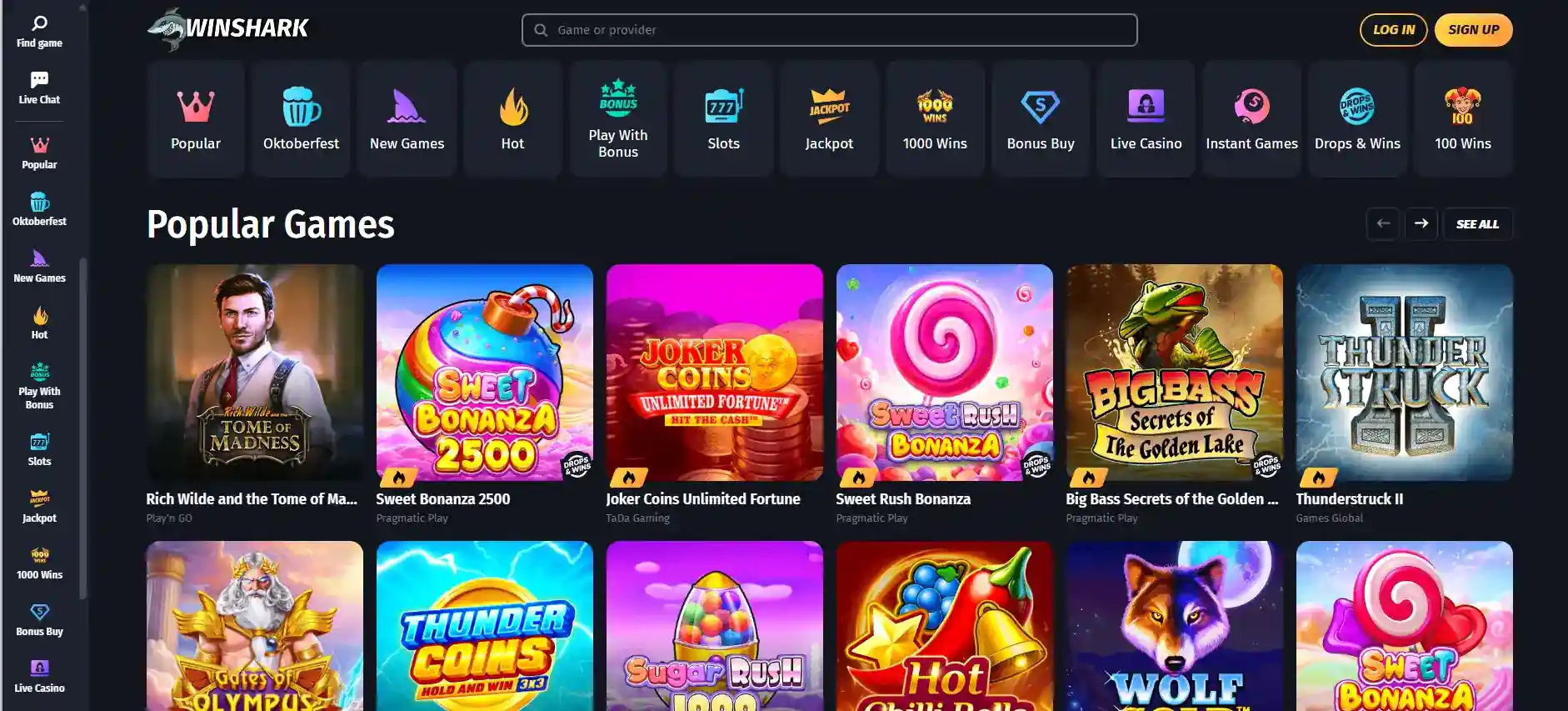
On a compact screen, a financial amount and its currency label should be read together. C$ and the number next to it are separate pieces of information; overlooking a conversion or a method label is easy when controls are crowded. The Winshark game catalogue helps distinguish full-screen slot interfaces from live-table video, while the practical lesson on either device is to keep the current wager and remaining session budget legible.
Mobile convenience also affects pace. Opening a home-screen icon can make it easier to return to a session repeatedly throughout the day. That convenience is not a reason to extend play. Separating entertainment time from other tasks, and turning off interruptions that encourage repeated checking, can help prevent a casual short session from becoming continuous activity.
Why documents can affect cashouts
Identity verification is a real part of Winshark’s withdrawal experience. Independent casino directories and player-dispute records describe document checks connected to cashout requests. A withdrawal request can therefore involve two different kinds of work: establishing that the account and payment are eligible for release, and completing the transfer through the selected financial method. Even after one step is finished, the other can still take time.
The purpose of KYC, or know your customer, is to connect an account to the person using it and to address identity or payment-risk concerns. As a general process, verification can involve reviewing information already entered during signup and checking that the account holder has control over relevant details. This explanation does not designate a fixed document list or fixed decision period as a Winshark requirement.
Four stages in a withdrawal-related verification issue
- Account identity: distinguish the person who registered from the name or payment details associated with the requested cashout.
- Information request: read the exact question or instruction shown in the account or supplied through the official support channel.
- Secure submission: handle personal records through the designated account workflow, with appropriate care around sensitive information.
- Outcome tracking: separate a message saying a document was received from an update that the withdrawal has been cleared or paid.
These are ways to understand an ordinary verification sequence, not four stages guaranteed to appear in Winshark’s interface. A request for further information can delay the next step, while a transfer marked as sent can have its own financial-processing interval. Combining the two creates an unreliable sense of how much time any particular cashout should take.
For method-specific withdrawal minimums, reported processing windows and actual Canadian complaint examples, see the Winshark withdrawal analysis. That discussion follows the transaction after the request is entered, whereas the key account point is that identity checks can be relevant before funds move. Reviewing these stages in advance gives a more accurate picture than assuming a completed game session translates directly into an immediately spendable balance.
Personal information deserves a separate security decision
A support message asking for sensitive material calls for additional caution. Check that the request is visible through the recognised account environment or a trustworthy contact route, and do not use public file-sharing links for personal records. Keep a personal record of what was submitted and when, without spreading copies unnecessarily. The point is to protect account information while resolving the underlying question, not to accelerate review by sending extra material without a request.
Withdrawal complaints on public platforms show why maintaining timestamps and factual notes can matter, but one player’s account is not a template for everyone else’s outcome. A report may describe a delay, an additional verification step or a later settlement. Those are distinct events. Treating every delay as a failed payout, or treating every resolved complaint as evidence that future requests will be smooth, would both go beyond what those records establish.
Account setup and currency selection
Winshark’s account creation flow is described as gathering an email address, sign-in credentials and personal details, together with country and currency choices. Those choices form the starting context for what an account later displays in the cashier. The distinction between country and currency is especially relevant for Canadian users: an account denominated in Canadian dollars can interact with several payment rails, yet the amounts appearing on a card statement or digital-asset wallet may follow a separate conversion.
A sensible way to understand the setup process is to treat each field according to its job. Contact information supports account communications; sign-in credentials control access; country information sets the account’s location and product context; and the preferred currency determines how many account balances or transaction amounts are shown. Entering accurate details from the beginning reduces the chances of a mismatch becoming important when funds are requested later.
Account details to review as a sequence
- Email address: use an address you can access when receiving security or support communications; avoid accounts shared between several people.
- Sign-in credentials: use a unique password and protect access to any mailbox used for account recovery.
- Country selection: represent the actual location and circumstances of the account holder rather than treating the field as a display preference.
- Currency selection: recognise CAD as an account denomination, not an assurance that every funding route avoids exchange costs.
- Review before proceeding: compare entered details with your own records instead of depending on memory after transactions begin.
The list is a consumer checklist and does not add Winshark-specific eligibility rules. Each item has a practical consequence: an outdated contact address can complicate a support conversation, while a different name or currency at a payment provider can create a question that has to be resolved separately. Keeping the initial information consistent is therefore useful even when registration itself feels straightforward.
Winshark’s cashier includes Interac e-Transfer, cards and several e-wallet and cryptocurrency options, described more fully in the payment-method guide. Funding an account is not the same as transferring money back out, and a route that accepts deposits should never be assumed to work identically for withdrawals. Currency conversion, confirmation and account checks belong to different parts of the payment journey.
The most important expectation to bring to a new account is that a working login and a visible balance do not settle every later question about cashout eligibility. Good password habits, readable session controls and an organised record of account activity help explain events if support becomes necessary. Those steps are valuable whether the account is accessed from a desktop browser or a phone.
Winshark account and mobile questions
Does Winshark Casino require identity verification for withdrawals?
Yes. Winshark withdrawal activity can involve identity and document checks before a cashout is completed.
Can Winshark Casino be accessed from a phone?
Yes. Winshark offers responsive browser access on smartphones and tablets.
What does the Winshark mobile PWA do?
The Progressive Web App described for Android and iOS provides a home-screen route into the web-based casino experience.
How can a user contact Winshark support?
Live chat operates around the clock, and the listed support email address is [email protected].
What responsible-play features does Winshark offer?
Winshark includes reality checks, self-exclusion and a take-a-break feature for interrupting or stepping away from gambling.
Easy browser access still leads to identity checks at withdrawal
Winshark combines responsive mobile browser access, a described PWA shortcut, 24-hour chat support and an account structure in which personal details matter beyond the initial sign-in. Reality checks and breaks add ways to interrupt play, while withdrawal verification remains a distinct procedural step.
That combination is most useful when understood as a sequence of responsibilities rather than a friction-free promise. Keeping account information consistent, using secure contact routes and separating a payment request from the later approval and transfer stages provide a more accurate expectation of the experience.
- Winshark Casino review for Canada
- Canadian deposit and payment routes
- Casino licence and consumer context
Prepared by the Winshark editorial staff.